
Antidetect Browser Automation: API, Selenium & Puppeteer
Managing a handful of browser profiles manually is straightforward.
Managing hundreds of repeatable browser-testing environments is not.
That’s where browser automation becomes useful.
Antidetect browser automation combines isolated browser profiles with APIs and browser automation frameworks such as Selenium or Puppeteer.
What Can Browser Profile Automation Do?
Legitimate automation workflows can include:
- launching predefined test environments
- automated QA testing
- localization testing
- regression testing
- browser compatibility testing
- collecting permitted public data
- repetitive administrative workflows
- managing testing environments at scale
The Basic Architecture
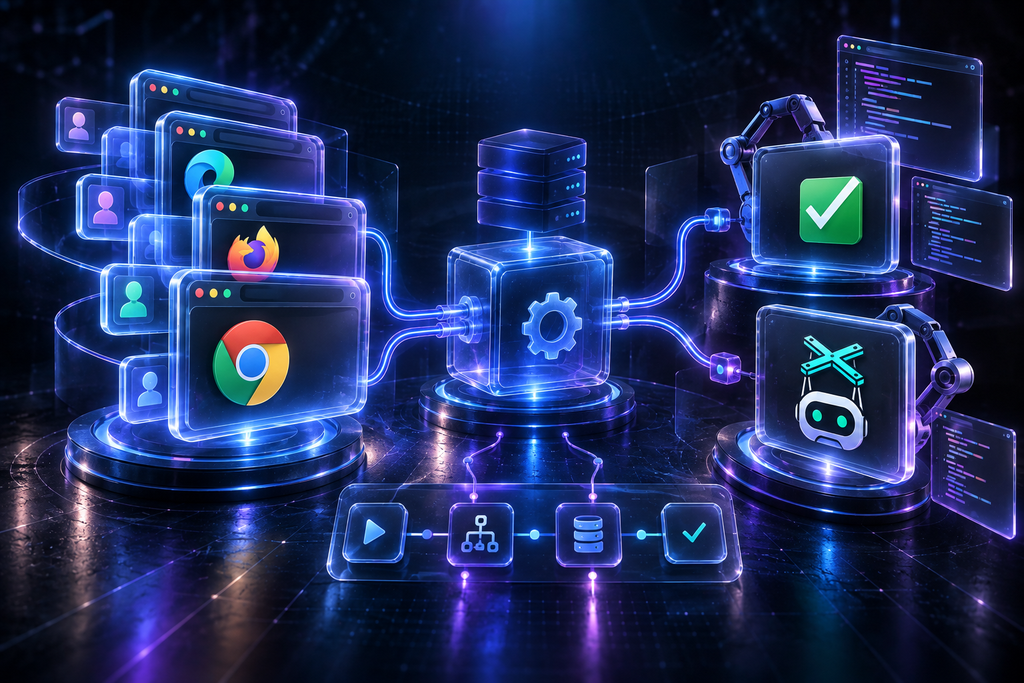
A typical architecture looks like:
Application
↓
Browser Profile API
↓
Profile Manager
↓
Browser Instance
↓
Automation Framework
The API manages the environment.
Selenium or Puppeteer controls permitted interactions inside the browser.
Why Use Persistent Profiles?
Traditional automation often starts with a fresh browser.
Persistent profiles provide another option.
A test environment can preserve cookies, local storage and other state between authorized testing sessions.
This is useful when developers need to test applications under realistic persistent-session conditions.
API-Based Profile Management
An API can allow an application to:
- create profiles
- retrieve profiles
- update configuration
- start environments
- stop environments
- inspect profile status
This makes it possible to build browser infrastructure into a larger application.
Selenium
Selenium is widely used for cross-browser testing and web application automation.
A browser profile platform can provide the environment while Selenium controls the testing workflow.
Read our Selenium + Antidetect Browser Guide for the dedicated implementation concepts.
Puppeteer
Puppeteer provides programmatic control of Chromium-based browsers and is popular in JavaScript and Node.js environments.
It’s especially useful for developer-focused testing and browser workflows.
Read our Puppeteer + Antidetect Browser Guide for more information.
Automation Doesn’t Replace Good Architecture
Scaling browser automation without proper lifecycle management creates problems quickly.
Applications should consider:
- profile lifecycle
- failure recovery
- browser shutdown
- resource limits
- logging
- state persistence
- concurrency
- retry policies