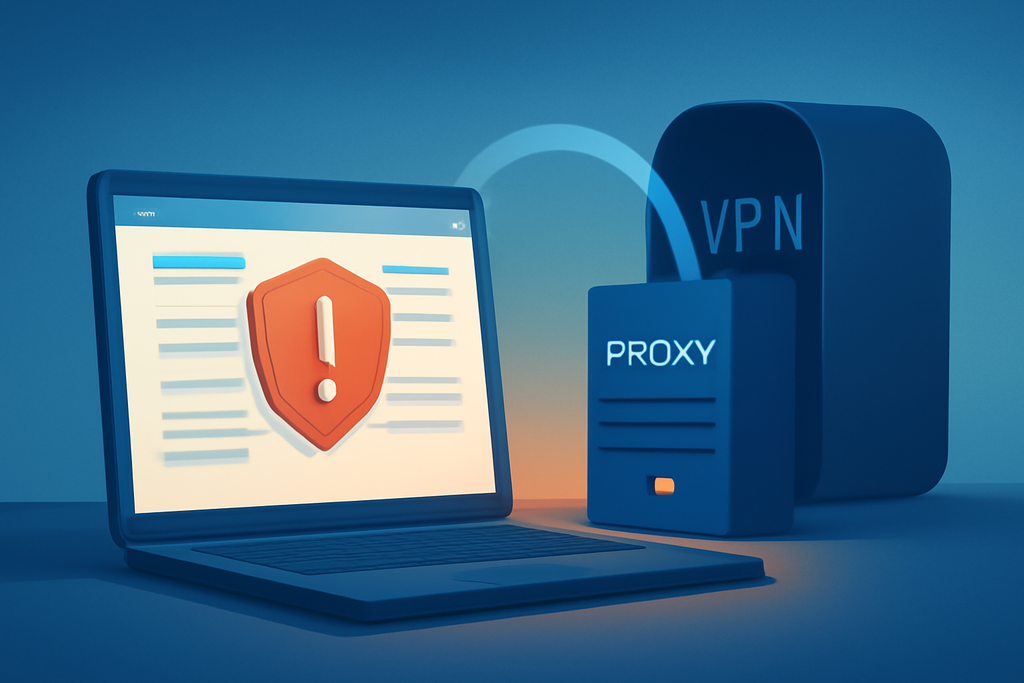
Proxy sites are often sold as a quick answer to blocked pages and online privacy. That description leaves out the part that matters: a proxy site puts an unknown intermediary between you and the web, while usually offering weak protection for everything else your browser does.
My position is simple. Use proxy sites only for low-risk, disposable browsing. Do not use one for banking, shopping, work accounts, medical information, or anything that depends on confidentiality. A VPN from a known provider, or Tor Browser for stronger anonymity, fits those jobs far better.
Why proxy sites are mistaken for privacy tools
A proxy site receives a web address from you, fetches the page, and sends the result back through its own server. The destination may see the proxy’s IP address instead of yours, which creates a limited form of masking.
That limited result is easy to overread. The proxy operator can still see your request, record connection details, inject advertising, or alter the page before it reaches you. If you enter a password into a page routed through an untrusted service, you have handed sensitive information to the middleman.
HTTPS changes what the proxy can read in some cases, but it does not turn the proxy into a trusted privacy provider. A badly designed service may expose the full destination URL, browser details, timestamps, or account identifiers even when the page itself uses HTTPS.
How proxy sites handle a normal web request
Suppose you type a news URL into a web proxy. Your browser sends that request to the proxy’s domain, the proxy contacts the news server, and the response returns through the proxy before appearing in your browser.
The destination website may log the proxy’s address rather than your home IP address. However, the proxy can observe the request path, your connection time, and technical details such as your user agent. That is a trade, not invisibility.
Some proxy sites work through a browser form. Others rely on configured HTTP or SOCKS proxies. Those are different setups, but both require trust in the operator. A browser form also tends to support only selected traffic, so email apps and other software may continue using your ordinary connection.
Where proxy sites make sense
There are legitimate, low-stakes uses. A proxy site can help you check whether a public page displays differently from another network, test a website’s basic availability, or read a public article when a workplace filter blocks its URL.
Use that access like a disposable preview. Do not sign in, download an executable file, submit a form, or copy private text into the service. Checking a public sports schedule is one thing; opening your Microsoft 365 account through an unknown proxy is reckless.
Proxy sites can also help developers perform a quick content check from a different IP region. For serious testing, though, a managed service with documented logging and access controls is more appropriate than a random “free proxy” page found in search results.
Why free proxy sites create security problems
Free services still pay for servers and bandwidth. Some use advertising, while others may collect browsing data, redirect clicks, inject scripts, or display fake download buttons. The business model is often invisible, which should make you cautious rather than curious.
In 2015, researchers examining free proxy services reported widespread security and privacy problems, including traffic manipulation and injected content. The exact operators change, but the underlying risk remains: you cannot assume that a free intermediary handles traffic honestly.
Malware is another practical concern. A proxy page that claims you need a “special player” or browser extension to view content is giving you a reason to leave immediately. Modern browsers do not require a mystery extension to display an ordinary public webpage.
Certificate warnings deserve the same response. Never bypass a browser warning just because a proxy site says the connection is safe. A warning can indicate interception, a broken certificate, or a hostile page pretending to be a familiar service.
Why a VPN or Tor Browser fits serious privacy work
A reputable VPN encrypts traffic between your device and the VPN server, covering more than a single browser tab. That still requires trust in the VPN provider, but established providers publish clearer policies, maintain infrastructure, and explain how they handle accounts and logs.
Tor Browser takes a different approach by routing traffic through the Tor network and separating the browser from many identifying features. It can be slower, and some websites challenge or block Tor addresses, but that friction is preferable to trusting an anonymous proxy operator with your entire session.
Neither tool makes you magically anonymous. Logging into a personal Google account identifies you to Google, and downloading a suspicious file remains dangerous regardless of the route. Privacy tools reduce certain exposures; they do not replace basic security habits.
A practical checklist before using a proxy site
First, classify the task. If it involves a password, payment card, private document, workplace system, or health information, do not use a proxy site. Choose a trusted direct connection, a reputable VPN, or Tor Browser based on the actual privacy requirement.
Next, inspect the address carefully. Look for misspellings, forced downloads, aggressive pop-ups, and claims that the service guarantees anonymity. A padlock only describes the connection to that domain; it does not certify the operator’s intentions.
Keep JavaScript restrictions and browser protections enabled when practical, and never install a certificate, extension, or “security tool” supplied by the proxy. Afterward, close the tab and clear site data if you used the service for a public page check.
Finally, assume the proxy can record what you did. That single assumption produces better decisions than a glossy privacy badge. If disclosure would cause harm, the service is unsuitable.
Treat proxy sites as disposable, not private
Proxy sites have a narrow job: they can fetch low-risk public content while masking your IP address from the destination. That can be useful, but it does not make the operator trustworthy or protect every application on your device.
The common advice that a proxy is an easy privacy solution is wrong. For a blocked public page, use one carefully. For anything confidential, skip the proxy and choose a tool built for privacy, with a provider or network you can actually evaluate.