
Why Font Spoofing Matters and NullPrint is the best alternative for Kameleo
The Hidden Challenge: Font Fingerprinting
When people think about browser fingerprinting, they usually focus on things like device names, WebGL information, CPU details, RAM size, or browser versions. While these attributes are important, there is another fingerprinting signal that is often overlooked: fonts.
Spoofing device information is relatively straightforward. A browser can report a different device model, hardware profile, or operating system to websites. However, fonts are much more difficult to emulate correctly because they are deeply connected to the operating system itself.
When a website displays text, the browser doesn’t simply provide a list of font names. Instead, it relies on the operating system’s native font rendering engine to draw characters and generate the final output that websites can analyze. Because of this, inconsistencies between a claimed device and its available fonts can become a strong fingerprinting signal.
In short, if a browser claims to be an Android device but still exposes fonts commonly found on Apple devices, advanced fingerprinting systems can quickly identify that something doesn’t match.
Testing Kameleo’s Android Profile
To evaluate how this works in practice, I created an Android profile in Kameleo.
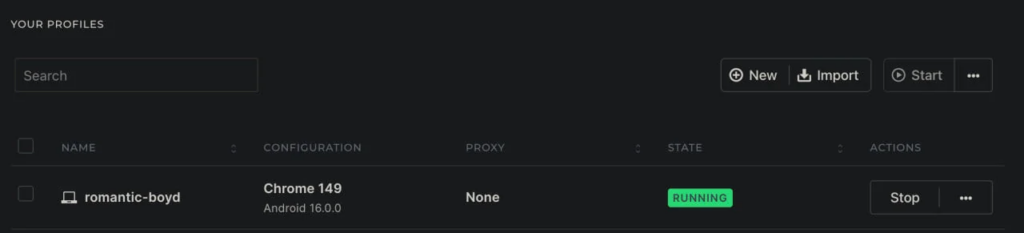
One limitation I immediately noticed was that Kameleo generates a randomized Android profile rather than allowing users to select a specific device model. For this test, the profile identified itself as a Samsung SM-A156M.
When checked on whatismybrowser.com, the reported device information looked consistent. The browser correctly presented itself as an Android device, and the main hardware identifiers appeared legitimate.
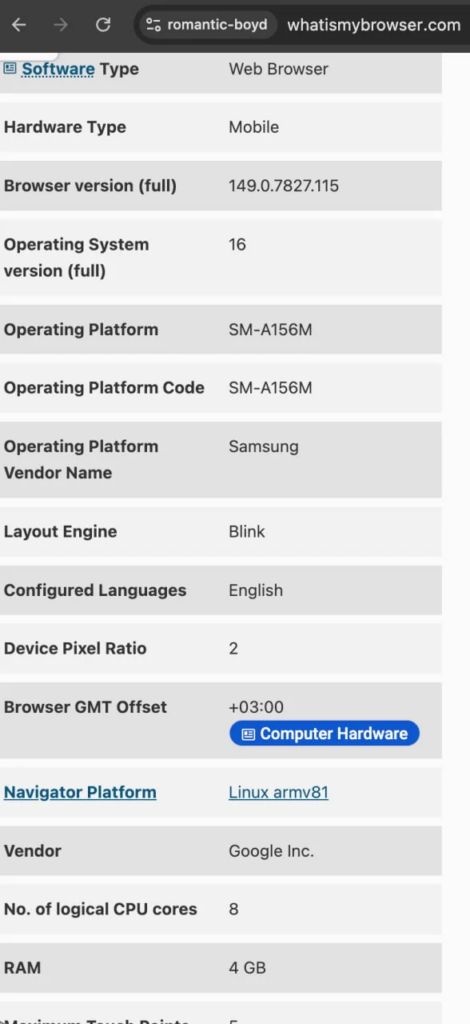
Kameleo’s Android Profile
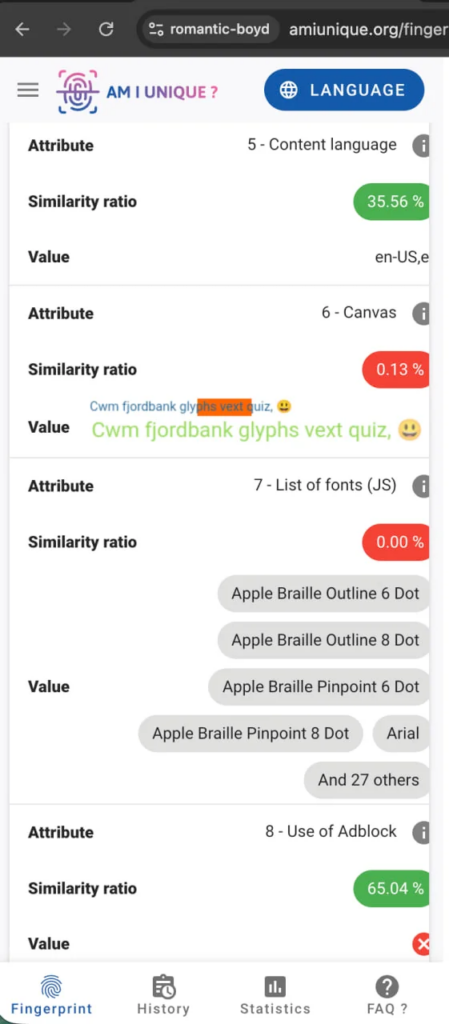
However, a different picture emerged when the profile was tested on amiunique.org, despite presenting itself as an Android device, the browser was still exposing several Apple-related fonts.
On the other hand, NullPrint allows users to choose from 71 different Android devices currently available on the market. For this test, I selected a Xiaomi Redmi Note 9 Pro profile.
My first step was again to verify the device information on whatismybrowser.com.
The reported device identifiers matched the selected model, and all WebGL and hardware-related attributes appeared legitimate. More importantly, when tested on amiunique.org, the font set was properly adapted to match the Android environment.
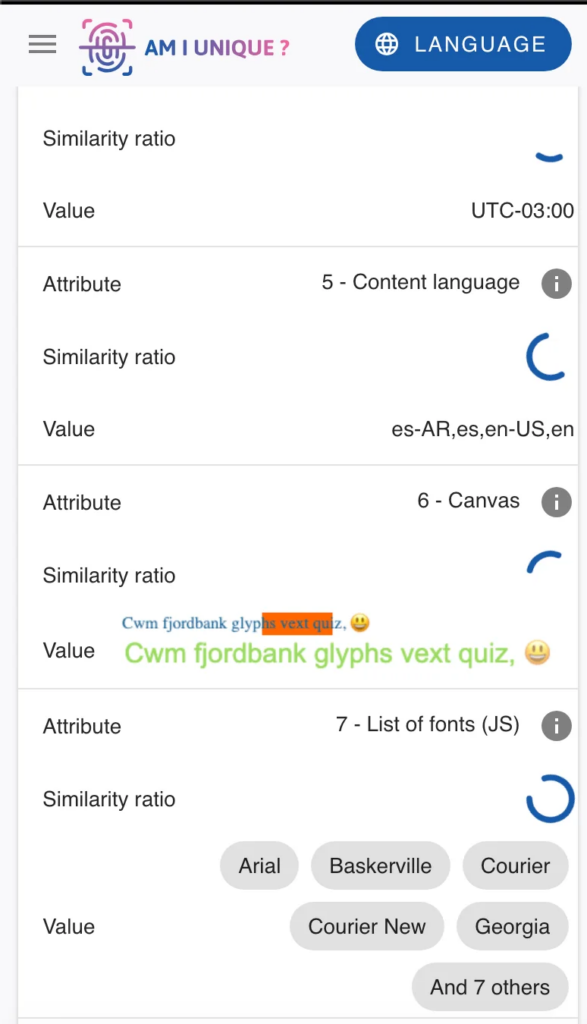
So the device identifier as is expected and all webGL and device info’s are legit.
Based on these observations, my conclusion is the following:
NullPrint appears to do far more than simply rename font entries. If it were only spoofing font names, forcing the browser to render text using fonts that do not physically exist could cause Chrome’s rendering engine to fail or generate detectable exceptions. Instead, it appears that NullPrint encapsulates the required fonts for mobile profiles and loads them from an isolated filesystem when the browser binary starts. This approach allows font rendering behavior to remain consistent with the emulated device, significantly reducing the risk of fingerprinting inconsistencies.